
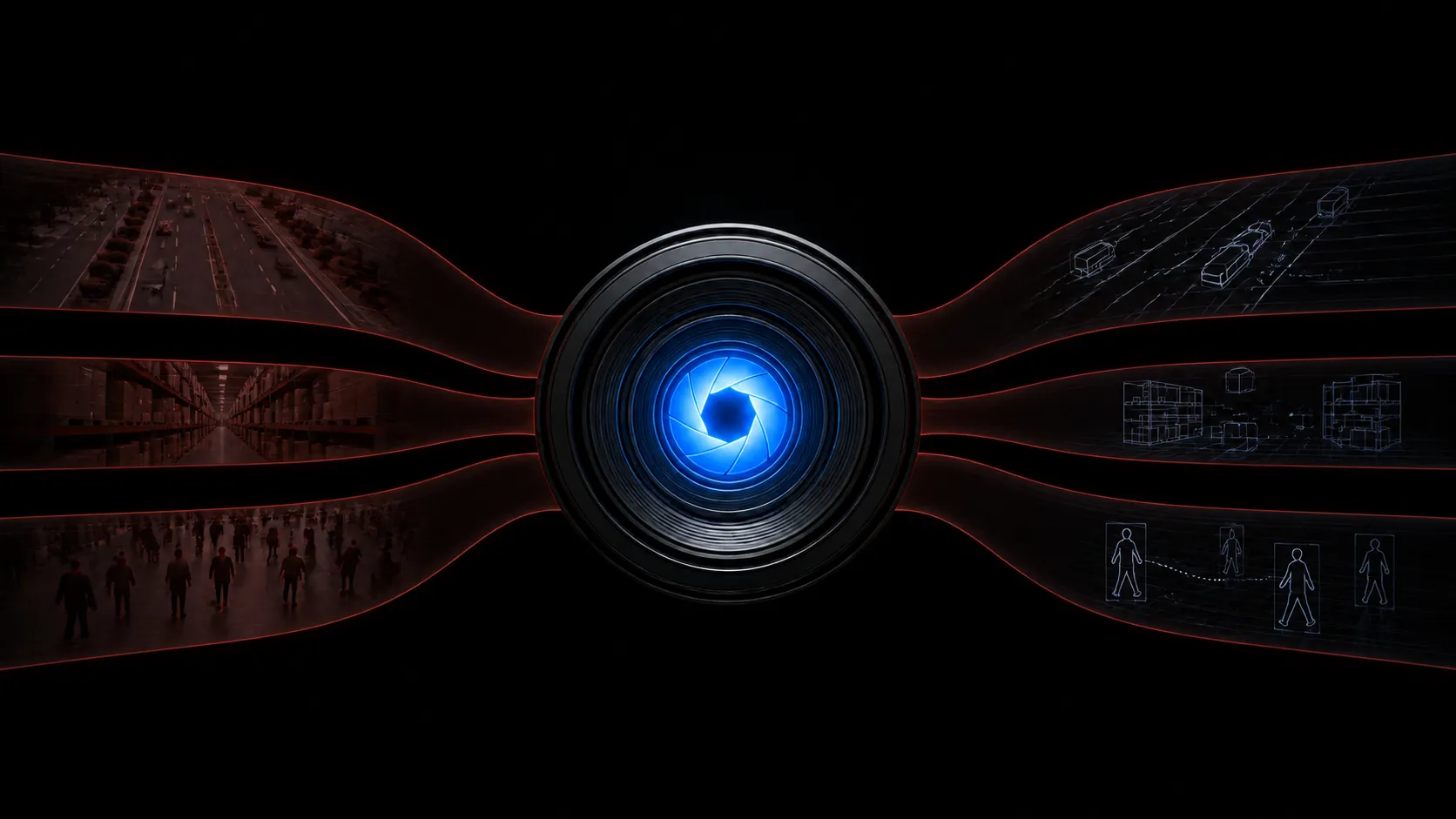
Your company already owns more video than anyone can watch
Security footage. Recorded calls. Warehouse cameras. Drone flights. Product demos. Training sessions. Support screen shares.
Most of it gets stored and never looked at again. A person would need years to watch it, so nobody does. The information sits there.
Video understanding changes that math. A model that understands video can watch all of it, describe what happened, and let you ask questions in plain language. What time did the delivery arrive. Which shelf was empty on Tuesday. How many people came through this door after 6pm.
Teams have wanted intelligent video analytics for years. The thing holding it back was cost. Video is heavy, and processing it on regular servers runs slow enough to be impractical.
The NVIDIA RTX PRO 4500 Blackwell changes that at $0.92 an hour. It is the least expensive Blackwell GPU in our marketplace, and the full guide to the RTX PRO 4500 covers how it compares to other cards.
Pricing as of 4 September 2026. Confirm current rates on live GPU pricing before you launch.
Why video understanding is harder than text
A language model reads text and writes text. The work is straightforward.
Video adds a step before the model even starts. The file has to be decoded, meaning turned from a compressed format back into individual frames the model can look at. A single minute of high definition video can hold thousands of frames.
For most video pipelines, decoding is the slow part. The model sits waiting for frames. You pay for a GPU that spends much of its time idle.
This is where the RTX PRO 4500 does something most GPU marketing skips entirely.
Three decode engines keep the vision model fed
The RTX PRO 4500 carries three dedicated video decode engines and three dedicated encode engines. They are separate hardware from the part that runs the model.
That separation matters. The decode engines pull video apart while the Tensor Cores run the vision model on frames that are already ready. Both happen at once instead of taking turns.
The decode engines are sixth generation and handle up to double the H.264 throughput of the previous version. They also support 4:2:2 H.264 and HEVC, which shows up in professional camera footage and broadcast workflows.
The encode engines are ninth generation and support AV1. If your pipeline also produces video, like generating clips or re-streaming at a new resolution, that work stays on the same card.
What intelligent video analytics looks like on GPU
NVIDIA measured a server with eight RTX PRO 4500 cards against a dual socket AMD 9654 server running the same job. The task was video captioning with Qwen3-VL-8B, a vision language model.
The GPU server delivered up to 100 times the performance of the CPU only server.
That number describes an eight card server, so a single card gives you a fraction of it. Even so, the shape of the result holds. Work that takes a CPU fleet all week finishes on a small GPU setup in hours.
Which vision models fit in 32 GB
Vision language models in the 7 billion to 8 billion parameter range are the sweet spot for video work right now. 32 GB is the size those models are built around.
Two options worth knowing.
Qwen3-VL handles long video with timestamp level detail, meaning it can tell you not just what happened but when. It also reads text in images well, which helps with documents, signage, and screen recordings.
NVIDIA Cosmos Reason is post-trained from Qwen3-VL and tuned for understanding physical space and time. It reasons about what is happening and what might happen next, which suits robotics, warehouse operations, and safety monitoring. It comes in 2 billion, 8 billion, and 32 billion parameter sizes. Only the two smaller ones make sense on a single card.
Be realistic about memory here. NVIDIA lists 32 GB as the minimum for the 8 billion parameter Cosmos Reason model, not a comfortable target. Their own example serving command caps context at 16,000 tokens to stay clear of out of memory errors. That is well short of the 256,000 tokens the model handles on larger hardware.
So one RTX PRO 4500 gives you a capable video model at a working context length. Long context is where you will feel the ceiling first.
The 2 billion parameter size leaves much more room. Start there if your pipeline needs long context or high throughput more than it needs the strongest reasoning.
NVIDIA also publishes a blueprint called Video Search and Summarization that wires these pieces together. One caveat. The RTX PRO 4500 is not on NVIDIA’s validated hardware list for that blueprint. Treat it as a reference to learn from rather than something that runs unmodified.
A worked example
Say you have 500 hours of warehouse camera footage and you want to find every time a forklift came within a few feet of a person.
The old approach is to have someone watch it, which nobody will do. Or you write a narrow detector that answers this one question and breaks the moment a camera moves.
The vision AI approach is different. You decode the footage, run a vision model over it, and store what it describes. Then you ask your question in plain language. When you think of a second question next month, you ask that too, against the same processed footage.
The GPU time is the one time cost. At $0.92 an hour, processing runs measured in hours rather than weeks put this inside a normal project budget.
When to use more than one GPU for video
For video the answer differs from text.
With language models, adding cards mostly helps you serve more people rather than go faster. Video is different because the work splits cleanly. Ten hours of footage can be cut into ten pieces and processed side by side.
So more cards genuinely finish a video backlog sooner.
| Configuration | Total memory | Per hour | Good for |
|---|---|---|---|
| 1x RTX PRO 4500 | 32 GB | $0.92 | Building the pipeline, steady live streams |
| 2x RTX PRO 4500 | 64 GB | $1.84 | Small backlogs, a few live feeds |
| 4x RTX PRO 4500 | 128 GB | $3.68 | Working through a real archive |
| 8x RTX PRO 4500 | 256 GB | $7.36 | Large archives, many live feeds |
A practical pattern is to build and test on one card, then scale up to clear a backlog and scale back down when it is done. Since on demand has no contract, you only pay for the hours the big job takes.
How to start with video understanding on a GPU
- Launch an RTX PRO 4500 instance
- Install your serving stack and pull a vision language model
- Point it at a sample of your footage first, not the whole archive
- Check the descriptions against what you know is in that sample
- Once the output looks right, scale up and run the rest
Starting with a sample is the step people skip. Vision models describe what they see. How well that matches what you actually care about depends on your footage and your prompts. Ten minutes of checking saves a full reprocess.
You can also skip the manual setup. The Massed Compute MCP server connects an AI assistant like Claude, Cursor, or ChatGPT straight to your account, so you can ask for a card with enough memory for your vision model and let it handle the launch. It hands back your SSH details, tracks what you are spending, and shuts instances down once the batch is finished. See what the MCP server can do and how to set it up
Common questions
What GPU do I need for intelligent video analytics?
A card with enough memory for a vision language model and dedicated decode hardware to feed it. The RTX PRO 4500 has 32 GB and three decode engines, and it starts at $0.92 an hour.
How much video can one GPU process?
That depends on your resolution, frame sampling rate, and model size. The reliable way to find out is to run a sample and measure, which costs well under a dollar.
Which vision model should I start with?
Qwen3-VL suits general video and document work with timestamp level detail. NVIDIA Cosmos Reason is post-trained from it and tuned for physical spaces, robotics, and safety monitoring. On a single 32 GB card, an 8 billion parameter model at a working context length is the realistic setup. The 2 billion parameter size leaves more room to grow.
Do I need multiple GPUs?
Not to get started. Video work does split cleanly across cards, so more GPUs genuinely finish a backlog sooner. Build on one card, then scale up for the big run.
Where this fits with everything else
Video understanding is one of three workloads this card handles well. The other two are serving language models and speeding up vector search for RAG.
For the full picture on memory, bandwidth, and pricing, read our guide to the NVIDIA RTX PRO 4500 Blackwell. It also covers how this card compares to the L40S, A100, and H100.


