
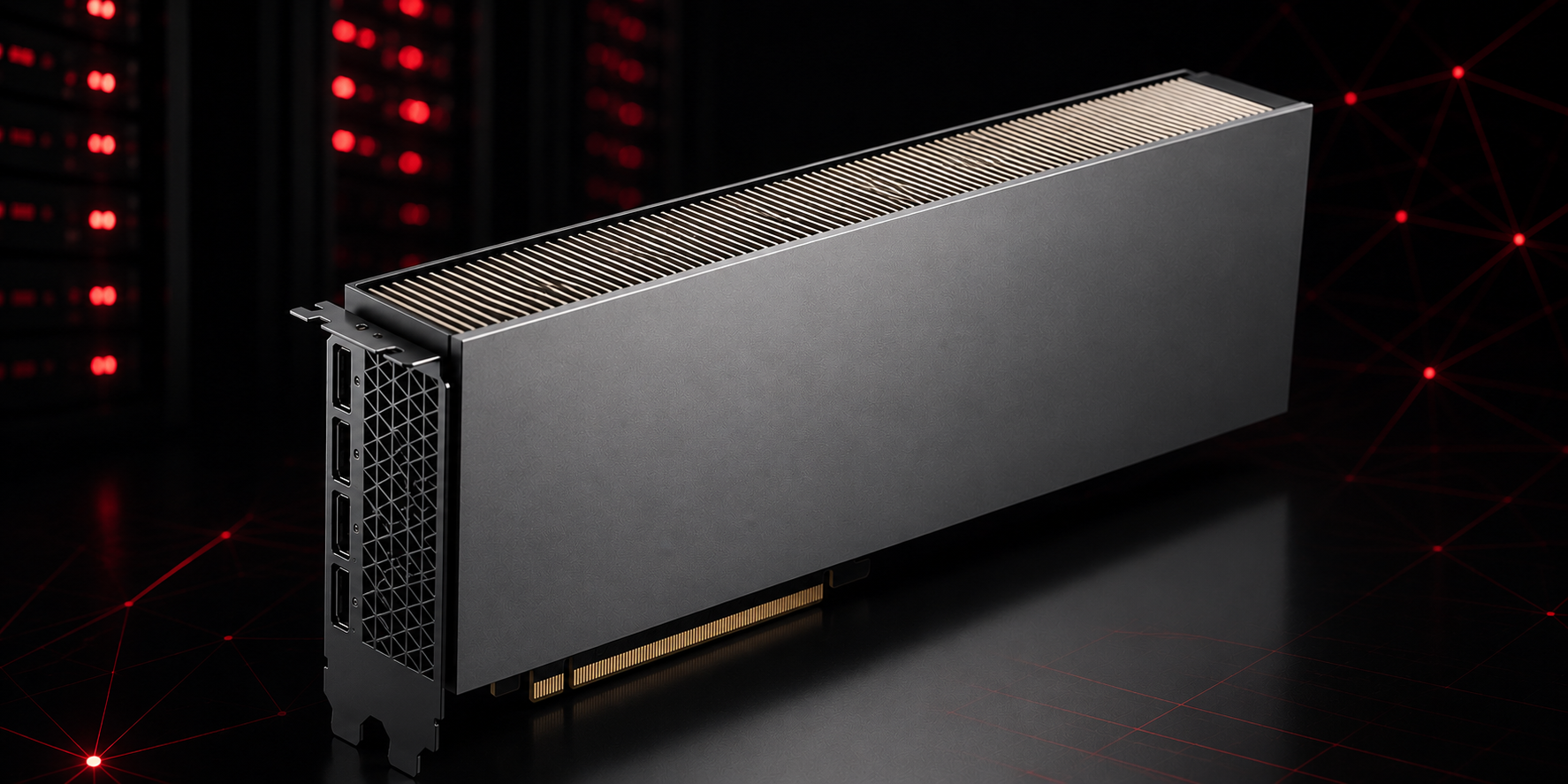
The NVIDIA L40 has 48GB of GDDR6 memory and costs $0.78 per hour on spot instances at Massed Compute. For most AI and creative workloads, that is a hard combination to beat.
Using the Massed Compute MCP from your favorite AI agent is as easy as it sounds. Just tell your agent to launch an L40 instance and the Massed Compute MCP handles the rest.
Most people renting GPUs in the cloud are not training 70-billion-parameter models from scratch. They are running inference, generating images, rendering 3D scenes, or fine-tuning a smaller model. For those workloads, paying for an H100 often does not make sense. The L40 is a better fit, and the price difference is significant.
This post covers the four workloads where the L40 consistently performs well, how it compares to other options at similar price points, and when it makes sense to step up to a higher-end GPU instead.
What the L40 Actually Is
The NVIDIA L40 is a data center GPU built on the Ada Lovelace architecture. It has 48GB of GDDR6 memory and 142 teraflops of FP32 performance. It supports NVENC and NVDEC for hardware video encoding and decoding, and it has solid tensor core performance for inference workloads.
What it is not is an HBM-backed GPU. The H100 uses HBM3 memory, which gives it much higher memory bandwidth. For training very large models where bandwidth is the bottleneck, that matters. For inference and generation workloads where you are loading a model once and running it many times, 48GB of GDDR6 is plenty fast and the price advantage of the L40 becomes very real.
AI Image and Video Generation
The L40 is one of the best GPUs available for image generation workflows. Tools like ComfyUI, Stable Diffusion, and FLUX all run well within 48GB of VRAM. Most SDXL and FLUX checkpoints load comfortably in under 10GB, which means you can run multiple models in memory or use batched generation without hitting limits.
Video generation is where the 48GB size starts to matter more. Models like CogVideoX and Wan require 30GB or more for the full precision version. The L40 handles these models without offloading to CPU RAM, which keeps generation times reasonable.
LLM Inference
Running large language models locally is one of the most common reasons people rent cloud GPUs. The L40 fits Llama 3 70B in 4-bit quantization with room to spare. At full BF16 precision, you can fit models up to about 24 billion parameters. For a lot of teams, that covers most production inference use cases.
Tools like vLLM, llama.cpp, and Ollama all support the L40 out of the box. You can serve multiple users from a single instance and still see fast response times, since the L40 has enough tensor core throughput to keep latency low even at modest batch sizes.
3D Rendering
Blender’s Cycles renderer and other GPU-accelerated renderers scale well with VRAM. The L40 handles complex scenes with high-resolution textures that would overflow smaller GPUs. Professional visualization work that needs more than the 16 or 24GB on consumer cards fits naturally here.
The hardware video encoding support is also useful for rendering pipelines that output video. You can encode H.264, H.265, and AV1 on the GPU without tying up compute resources on the render itself.
Fine-tuning Smaller Models
Full fine-tuning of models up to about 13 billion parameters fits on a single L40 with standard mixed-precision training. For larger models, LoRA and QLoRA techniques let you fine-tune 70B models on a single GPU by reducing the memory footprint of the trainable parameters. This is a practical approach for most fine-tuning tasks where you are adapting a base model to a specific domain or task.
If you need to pretrain or do full fine-tuning on models larger than about 30 billion parameters, an H100 or a multi-GPU setup will serve you better. The L40 is built for inference and adaptation work, not large-scale training runs.
How the Price Stacks Up
Here is how the L40 on Massed Compute compares to other commonly used options as of 27 June 2026. Prices shown are on-demand rates.
| Provider | GPU | VRAM | Price per Hour |
|---|---|---|---|
| Massed Compute | L40 (spot) | 48GB | $0.78 |
| Massed Compute | L40 (on-demand) | 48GB | $0.86 |
| AWS | A10G (g5.xlarge) | 24GB | $1.01 |
| AWS | A100 (p4d.24xlarge / 8x) | 40GB each | $32.77 (full instance) |
| Lambda Labs | H100 SXM5 | 80GB | $2.99 |
The AWS A10G gives you half the VRAM at a higher price. The Lambda Labs H100 is the right tool when you need maximum memory bandwidth for large training runs, but at $2.99 per hour it costs nearly four times as much for inference workloads where the bandwidth advantage does not fully apply.
Spot instances on Massed Compute are interruptible but work well for batch jobs, image generation queues, and one-off rendering tasks where you can checkpoint and resume.
When to Pick a Different GPU
The L40 is not the right answer for everything. If you are pretraining a large model from scratch, the H100 or H200 will finish the job faster because of the higher memory bandwidth. Multi-node training jobs also benefit from NVLink, which the L40 does not have.
For single-GPU inference and generation work, the L40 covers the majority of real-world use cases at a price that makes it easy to run experiments without worrying about the bill.
Ready to Run Your First L40 Workload?
Spin up an L40 instance in about a minute. No minimum spend, pay only for what you use.
Think it. Build it. Scale it.